How to Keep Inventory on Command in Minecraft: The Ultimate Guide
Never lose your loot! Learn the Minecraft keep inventory command for Java & Bedrock to keep items after death.
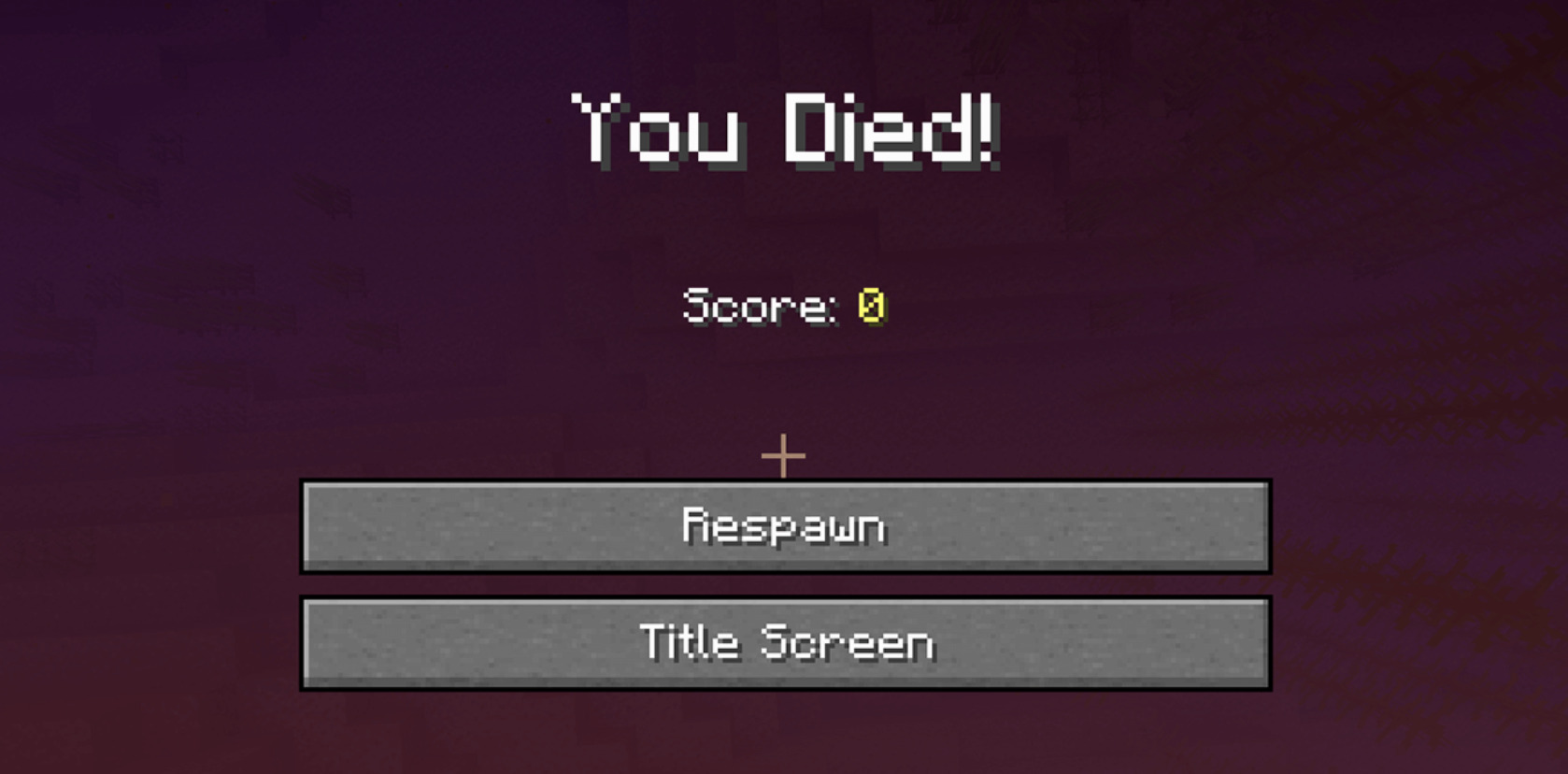
There's nothing more rage-inducing in Minecraft than falling into lava or getting surprise-smacked by a creeper -- and watching all your hard-earned diamonds scatter. But what if you could keep everything in your inventory even after you die? That's exactly what the keep inventory command does!
In this guide, we'll break down exactly how to turn on keep inventory in both Minecraft Java and Bedrock Editions, show you the exact command for keep inventory, and answer all your burning questions. Let's get you back to mining without the stress of losing your loot!
What is the Keep Inventory Command in Minecraft?
The keep inventory command is a game rule toggle: /gamerule keepInventory true. When enabled, it makes sure your inventory items stay with you even if you die, rather than dropping onto the ground.
This works in both:
-
Minecraft Java Edition
-
Minecraft Bedrock Edition
...and is available in singleplayer and multiplayer worlds -- as long as cheats are enabled.
Why Use Keep Inventory in Minecraft?
Before you jump in, let's talk about why you might want to enable keep inventory:
-
No more lost loot -- explore lava lakes and the End worry-free.
-
Better building -- carry all your materials without risking a total loss.
-
Faster gameplay -- don't waste time backtracking for dropped items.
-
Retain XP -- keep your experience levels for enchanting even after death.
-
Fun-focused -- perfect if you play Minecraft casually or with friends who hate losing stuff.
When you might not want it? Hardcore survival purists might feel it removes the challenge. But hey, your game, your rules!
How to Enable Keep Inventory in Minecraft Java Edition
Singleplayer Worlds
1. Make sure cheats are enabled:
-
If creating a new world, turn on "Allow Cheats" in the settings.
-
If it's an existing world, open it to LAN:
-
Press Esc > Open to LAN > Allow Cheats: ON > Start LAN World.
2. Open the chat window by pressing T.
3. Type the command:
/gamerule keepInventory true
4. Press Enter.
- You'll see a confirmation that keepInventory has been set to true!
Multiplayer Servers
1. Get operator (OP) permissions on your server.
2. Open the in-game chat and enter:
/gamerule keepInventory true
3. (Optional) Run /save-all to save the setting permanently.
That's it! You now know how to turn on keep inventory command in Minecraft Java.
How to Enable Keep Inventory in Minecraft Bedrock Edition
Singleplayer Worlds
1. Launch your world and open the Settings menu.
2. Go to the Game section.
3. Scroll to Cheats, enable "Activate Cheats."
4. Scroll down further and toggle "Keep Inventory" ON.
5. Return to the game -- your items are now safe when you die!
Multiplayer Servers
1. Enable cheats in your server's control panel or config file (allow-cheats=true).
2. Restart the server.
3. Join the server with an OP account.
4. Open the chat and enter:
/gamerule keepInventory true
How to Turn Off Keep Inventory
Want to bring the stakes back? Just reverse the command:
/gamerule keepInventory false
This will disable keep inventory, and you'll start dropping items again when you die.
Common Issues with the Keep Inventory Command
Why is my keep inventory command not working?
-
Cheats might be disabled.
-
You might not have OP permissions on your server.
-
You could have mistyped the command. Remember: it's case-sensitive -- keepInventory not keepinventory.
I enabled it but still lost my items?
-
Make sure to run /save-all on Java servers.
-
Restart your server after changing the gamerule if on Bedrock multiplayer.
Can I enable keep inventory for specific players?
Not in vanilla Minecraft -- the command applies to all players on the world or server. If you want per-player control, look into plugins like PerPlayerInventory (requires server mods).
Benefits of Using the Keep Inventory Command
Let's break it down one more time:
- Explore dangerous places like the Nether or the End without fear.
- Experiment with tricky jumps or risky PvP battles.
- Build large projects without worrying about accidentally falling.
- Keep your XP for enchanting.
- Perfect for creative adventure maps or casual servers.
Quick Reference Commands for Keep Inventory
Frequently Asked Questions
How do I enable cheats in Minecraft?
-
Java: During world creation or by opening to LAN.
-
Bedrock: In world settings > Game > Activate Cheats.
Does keep inventory save my experience?
Yes! Enabling keepInventory will preserve both items and XP after death.
Will this affect all players?
Yes. Once enabled, every player in that world/server keeps their inventory.
So what now?
Enabling the keep inventory command in Minecraft can completely change the way you play -- it's perfect for stress-free exploration, big building projects, or playing casually with friends. Whether you're on Java or Bedrock, singleplayer or multiplayer, you now know how to turn on keep inventory in Minecraft. Time to mine, fight, and explore without fear!
- How to Get a Blue Axolotl in Minecraft: The Ultimate Guide
- The Best Mace Enchantments in Minecraft: Ultimate 1.21 Guide
- 10 Minecraft Barn Ideas That Will Level Up Your Survival Base