
How to Configure your Counter Strike 2 Server
Updated September 24, 2026
Being able to configure your server is the perfect way to customise and personalise your CS2 server. Your server comes with a custom settings file that is accessible and easy to use. This configuration file facilitates settings such as server name, maps, password, and more.
Accessing Your Server Settings
Your primary server settings can easily be found in the Config files section of your server's control panel.
- Navigate to your server control panel and stop your server.
- Go to the Server Config tab.
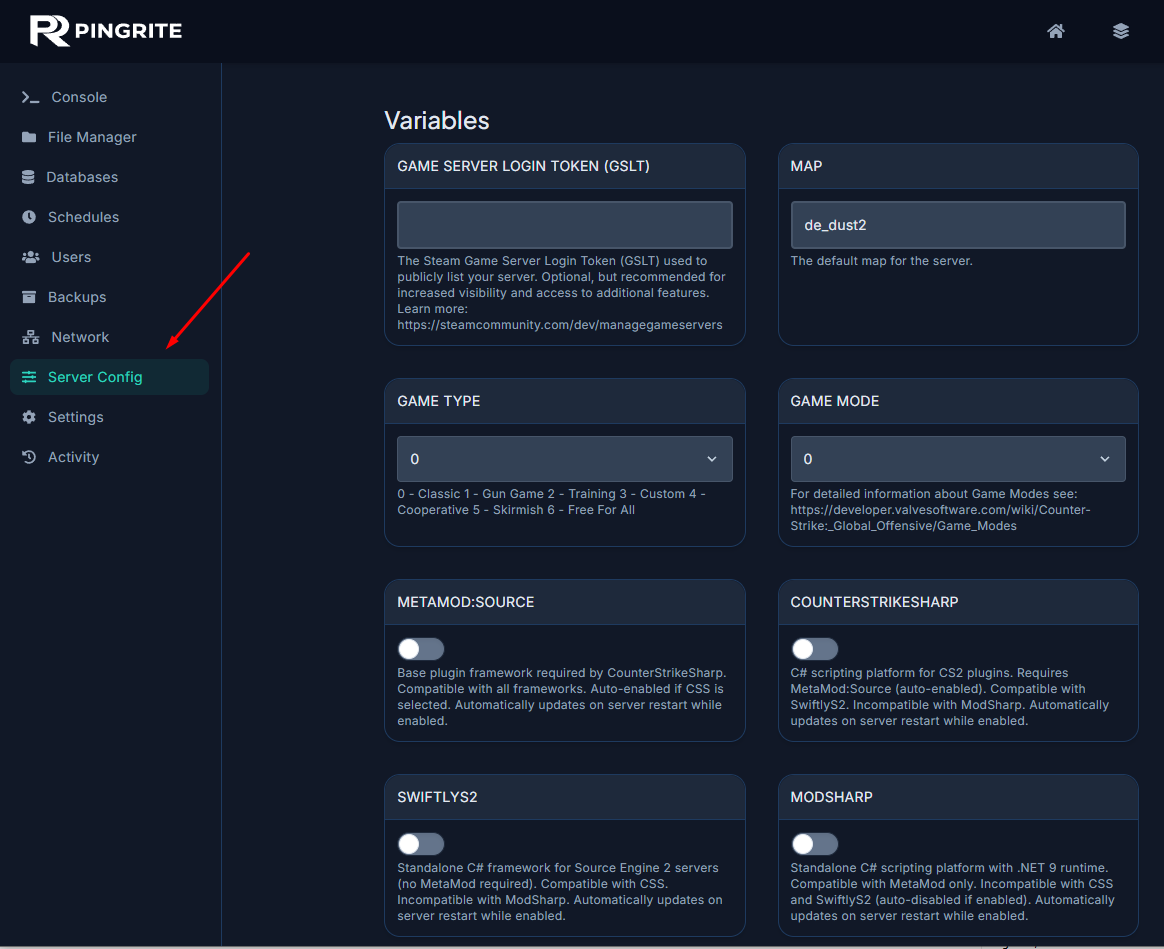
- Change your desired server settings.
- Save the changes and start your server again.
Configuring Your Server Settings
If you require any further assistance, don't hesitate to contact us.